Role
Product designer
Timeframe
August 2023 - Present
Team
1 PM, 4 Engineers, 2 QA
Platform
IOS & Android
Introduction
Over the span of 2 years, I lead the 0→1 conceptualization and design efforts for Multivista’s GoCapture app, a self serve construction documentation mobile app that empowers contractors and franchisees to capture, upload, and manage 360° imagery with confidence.
Problem
Traditionally, Multivista relied on professional photographers for comprehensive jobsite documentation. However, the industry began to shift as competitors introduced self-serve apps that allowed general contractors to capture and manage their own 360° imagery.
This disrupted Multivista’s long-standing service model, revealing an urgent need to evolve by empowering field teams with tools that make documentation faster, easier, and more integrated with on-site workflows.
Auditing the existing experience
Before designing a new capture solution, I began by auditing Multivista’s existing app called NextGen, which professional photographers use to plan and capture site imagery.
NextGen App Analysis
NextGen allows photographers to:
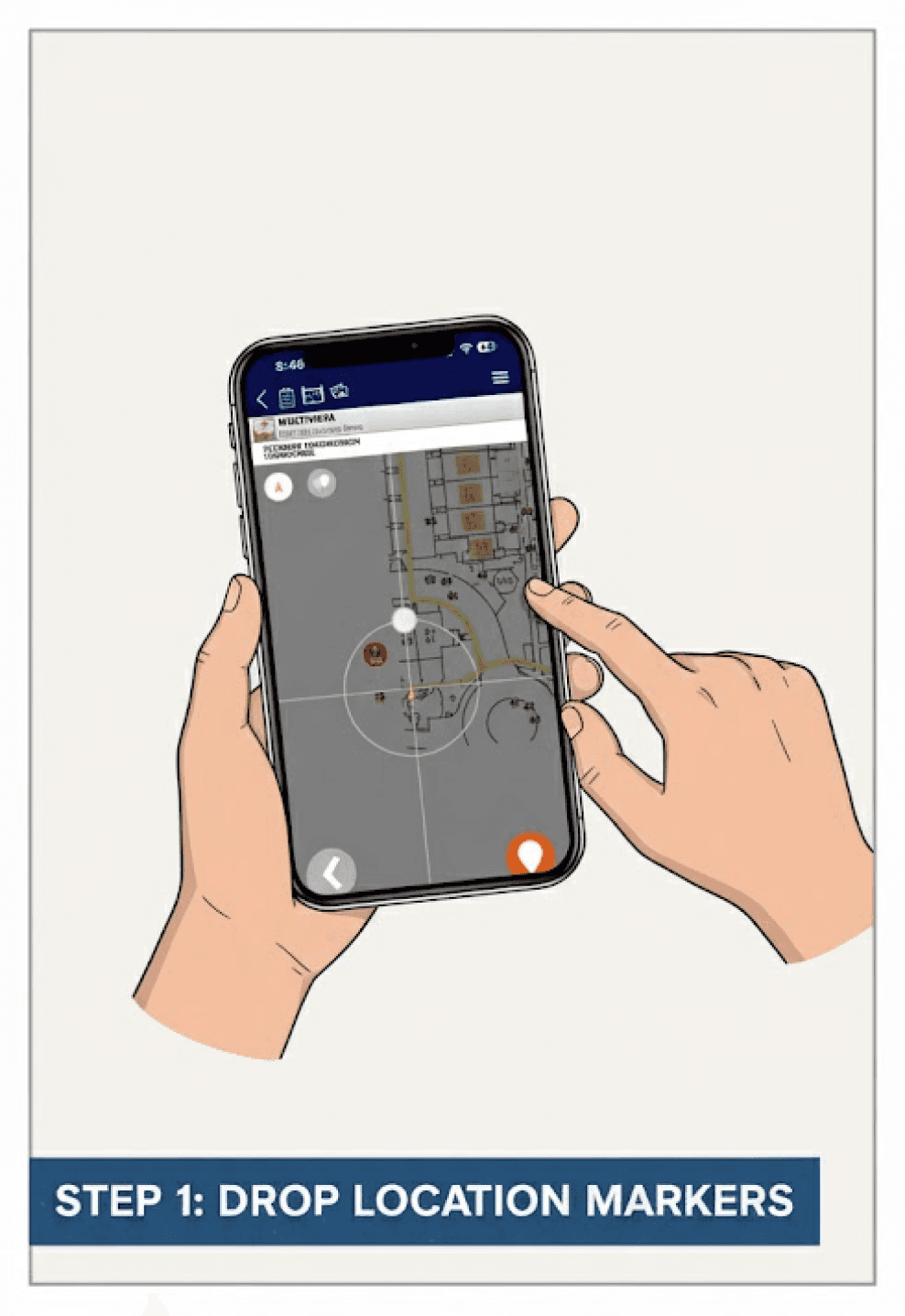
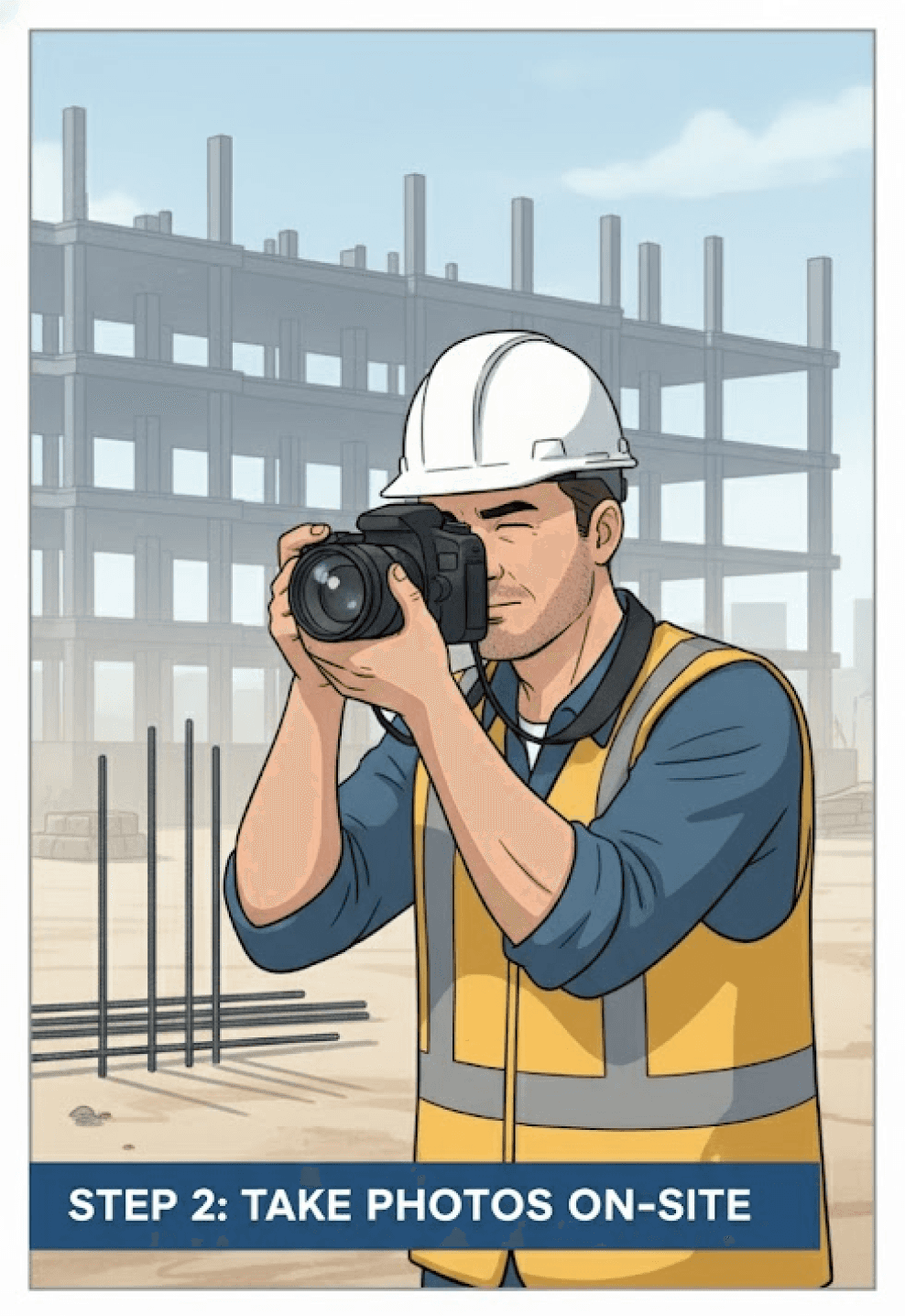
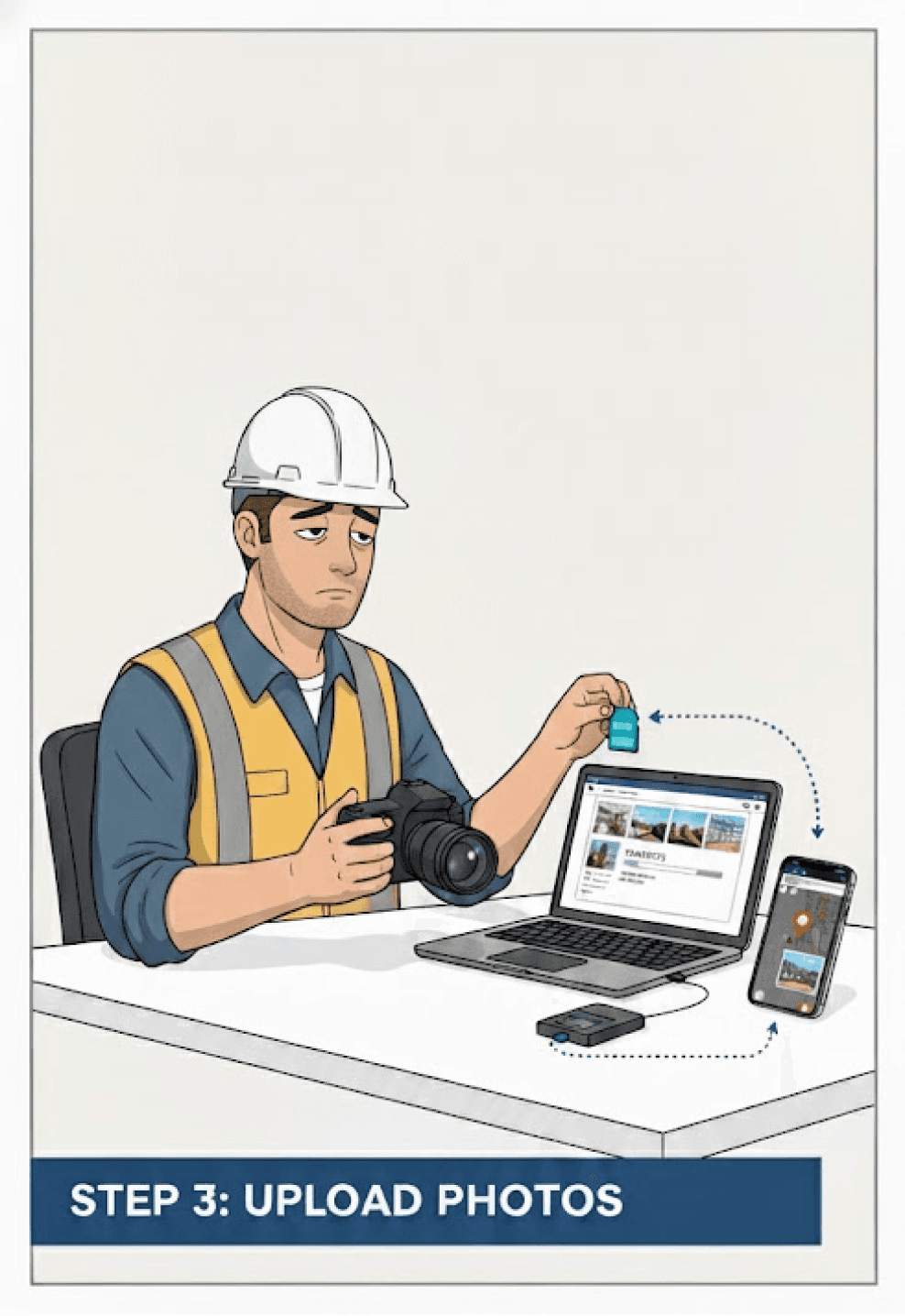
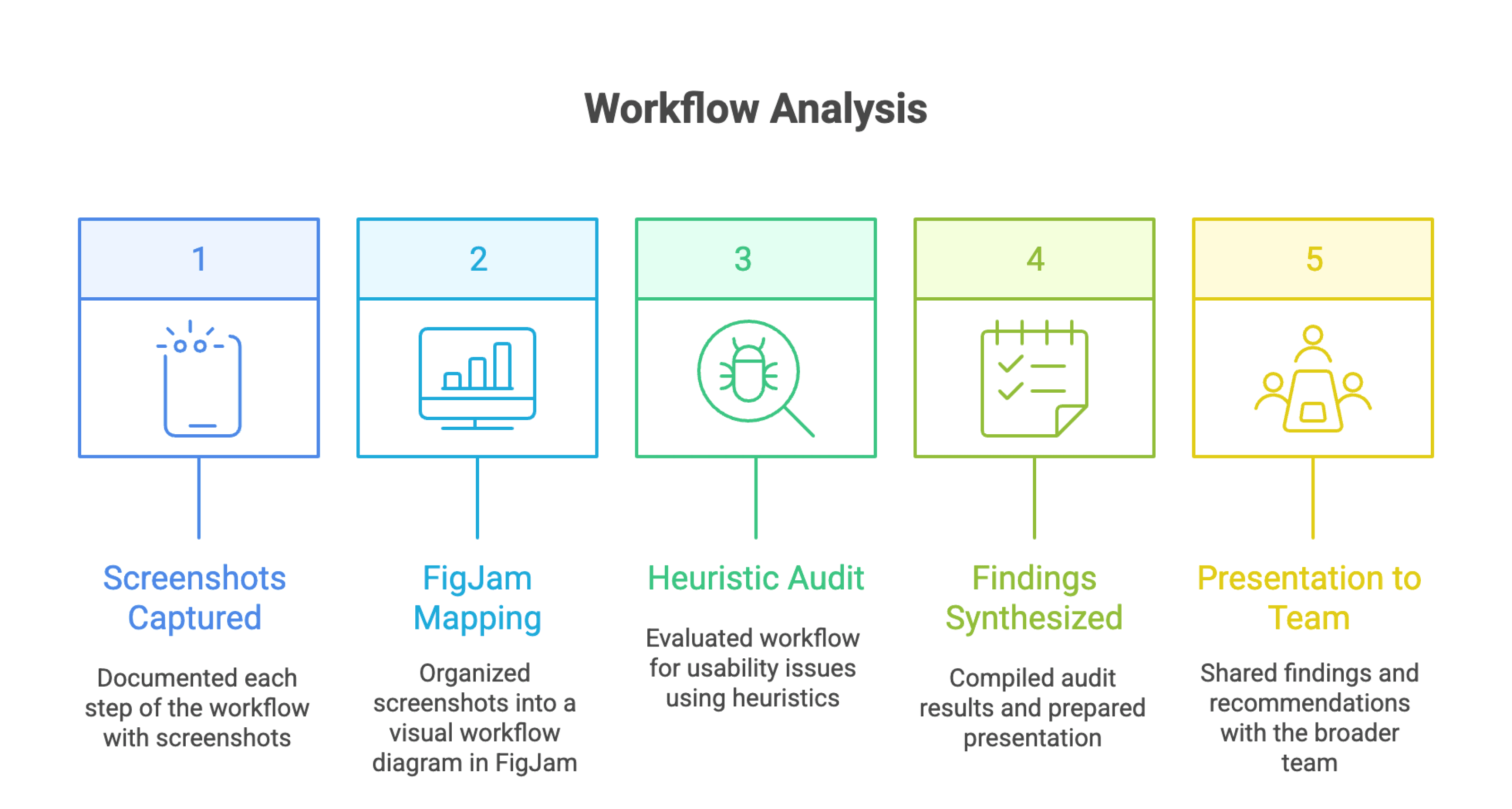
Current Workflow (NextGen app)
While this process worked efficiently for trained photographers, it wasn’t designed for on-site teams or contractors who needed a more guided, self-serve workflow.
Audit findings
To synthesize my audit findings, I organized the insights into a SWOT framework to better understand where the current NextGen app stands.
Strengths revealed that the app already has a solid foundation with clear floorplan visualization, structured capture flows, and strong integration within Multivista’s ecosystem.
Weaknesses surfaced around usability, including fragmented workflows, limited feedback, and a photographer-focused experience that doesn’t scale to general contractors.
Opportunities highlighted ways to reimagine the app for field usability by simplifying camera pairing, clarifying capture modes, and enhancing post-capture management and feedback loops.
Threats underscored the risk of low user adoption if the system continues to feel complex or disconnected from real on-site workflows.
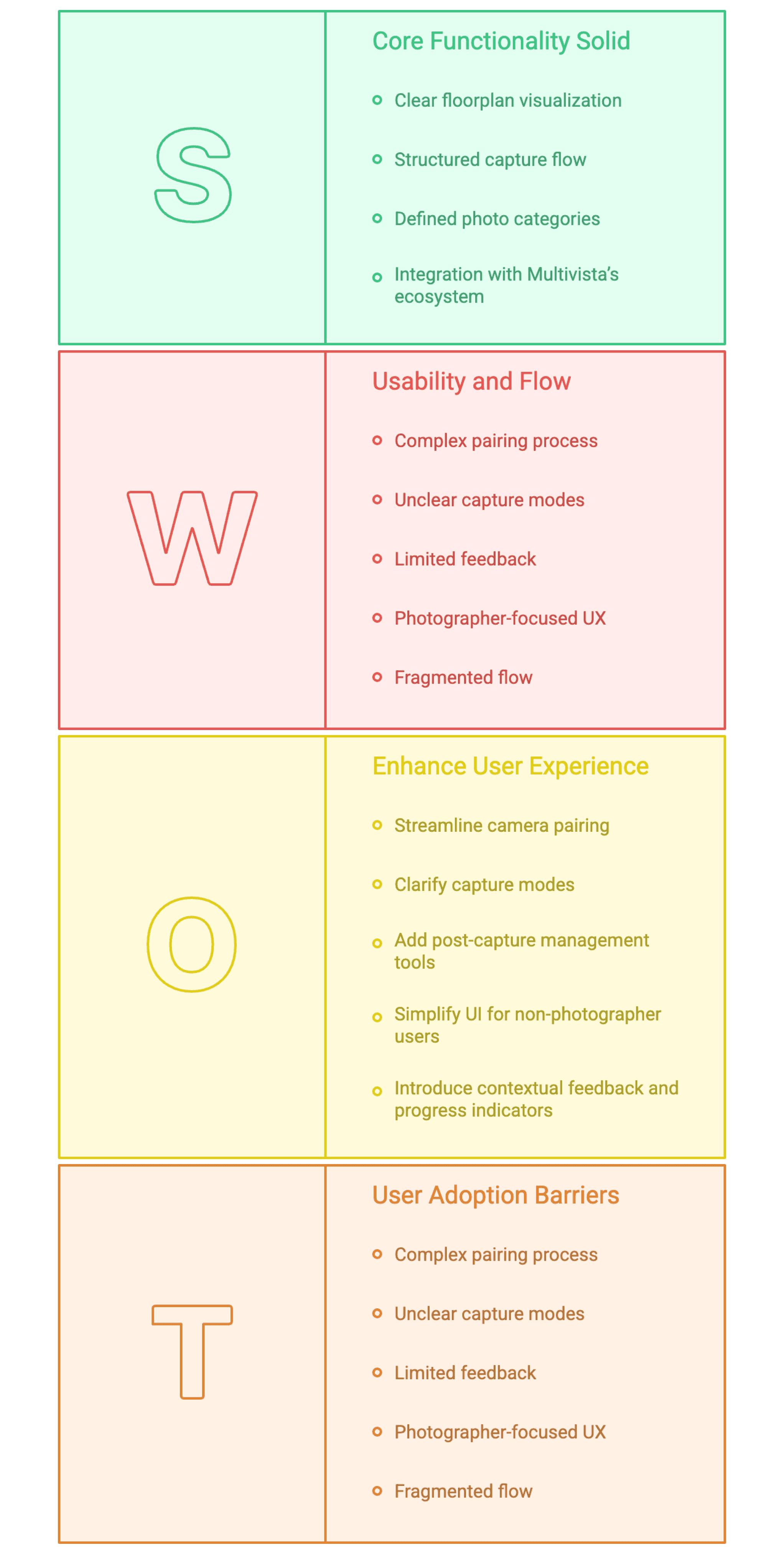
SWOT Analysis
Key Takeaway
NextGen’s robust technology serves professionals well, but its UX needs to evolve into a simpler, mobile-first experience that empowers contractors to document confidently in the field.
User & Stakeholder Insights
To validate assumptions and identify real-world challenges, we conducted interviews with Multivista franchise owners (internal stakeholders) and general contractors (external users).
These conversations helped uncover the needs, frustrations, and motivations behind adopting or rejecting self-serve documentation tools like GoCapture.
Franchisee Insights
Losing projects to self-serve competitors: Large GCs are adopting competitors’ app for faster, in-house documentation
Desire for a hybrid model: Franchisees see value in combining professional and DIY capture to balance scalability with quality.
Speed and usability matter: Franchisees noted that competitors’ “cool and easy” UX often wins deals, even if Multivista’s quality is higher.
Retention strategy: Many view a DIY app as a door opener, a way to stay engaged with cost-sensitive clients who would otherwise churn.
User Insights
Ease of use drives adoption: Users valued tools that were fast to connect and capture “click and go” with minimal setup.
Context and orientation are key: Users often struggled with getting oriented on floorplans and wanted clearer visual cues (view cones, direction, coverage feedback).
Reliability matters: Upload failures, login errors, and storage limits directly impacted trust in the tool.
Efficiency = success: Users emphasized time savings as the strongest motivator completing a capture in 20–60 minutes instead of hours.
Design goals
Both franchisees and contractors emphasized the need for speed, simplicity, and confidence in the field. This created a clear opportunity to design a mobile-first capture experience that blends the simplicity of self-serve apps with the accuracy and reliability of Multivista’s platform.
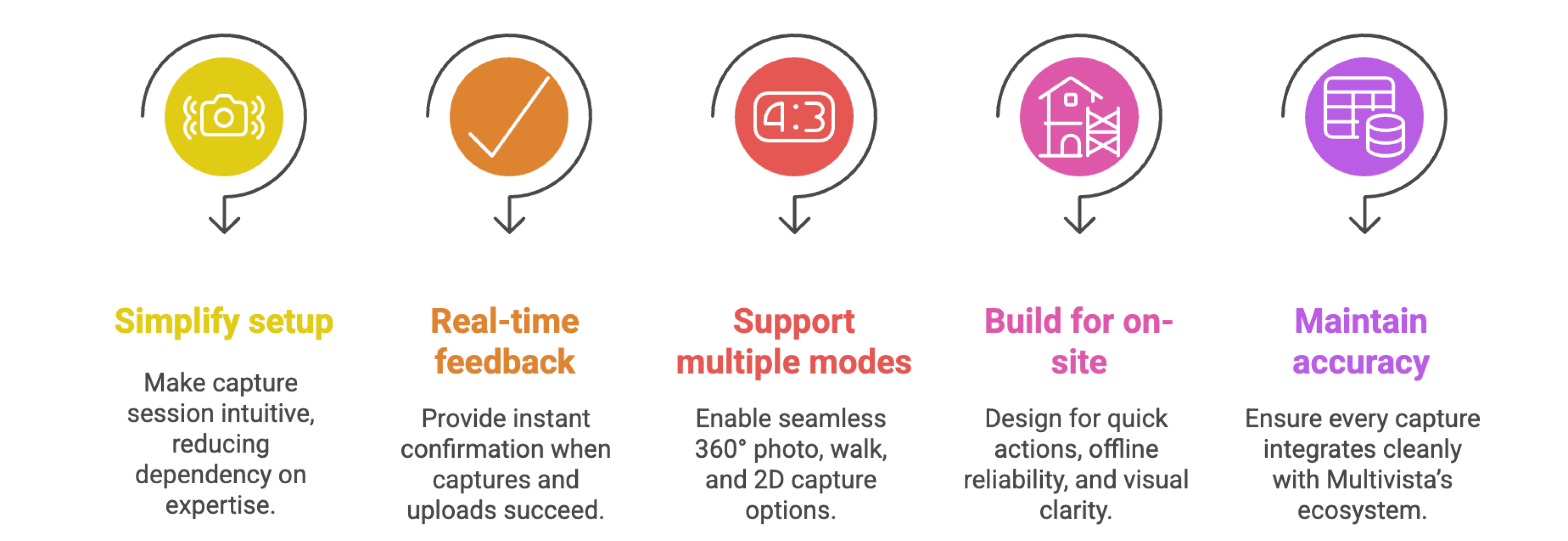
Design Goals
Design exploartion
With clear goals in place, I began the design phase by defining a clear user flow for the capture experience mapping every step a contractor would take from the moment they open a project to completing a capture.
The goal was to simplify the workflow while ensuring users always understood where they were in the process.
Using insights from interviews and audits, I mapped the complete flow in FigJam
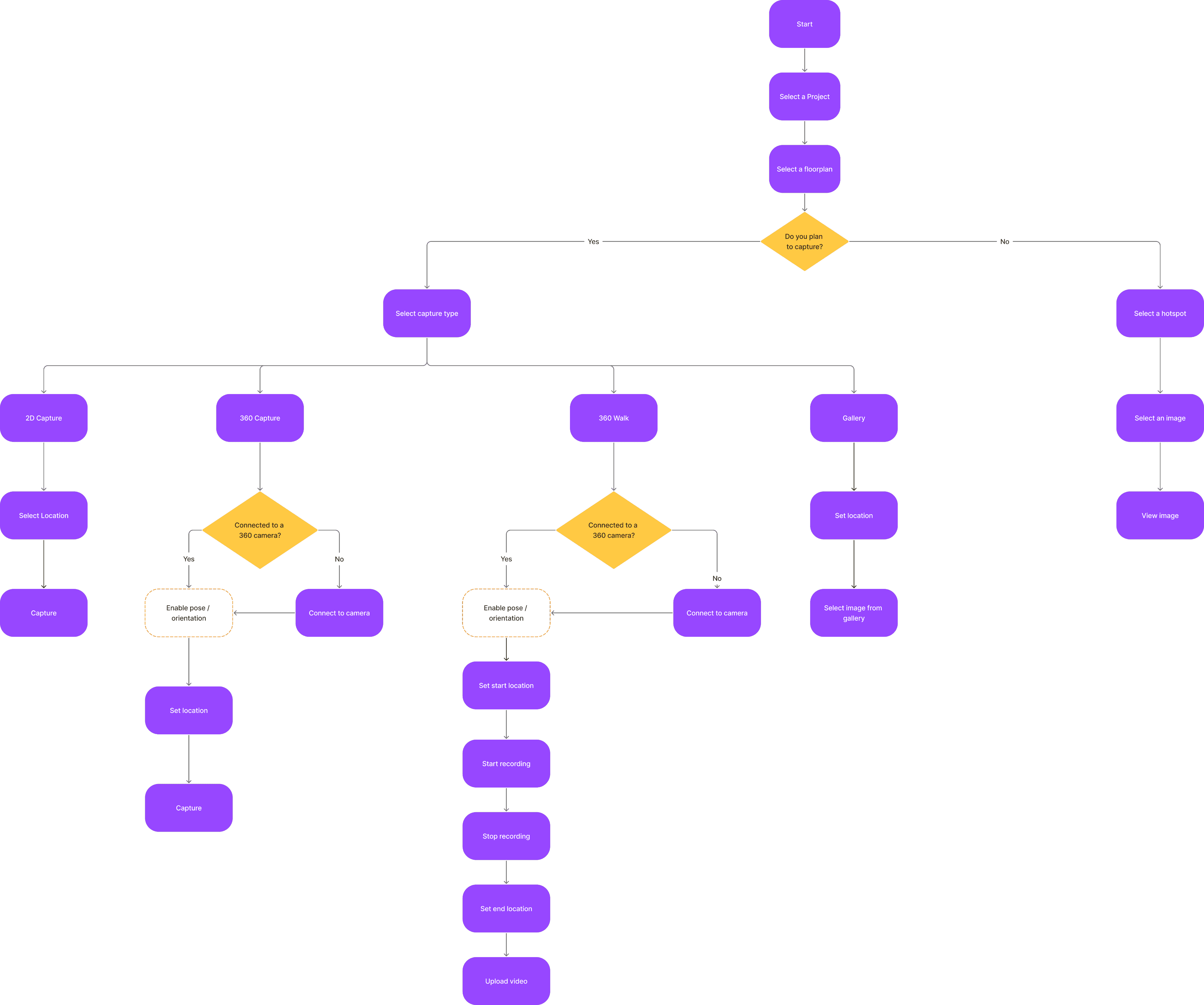
Capture Userflow
Key Takeaway
This flow became the foundation for all design decisions helping identify where friction occurred and where guidance was missing in the current experience.
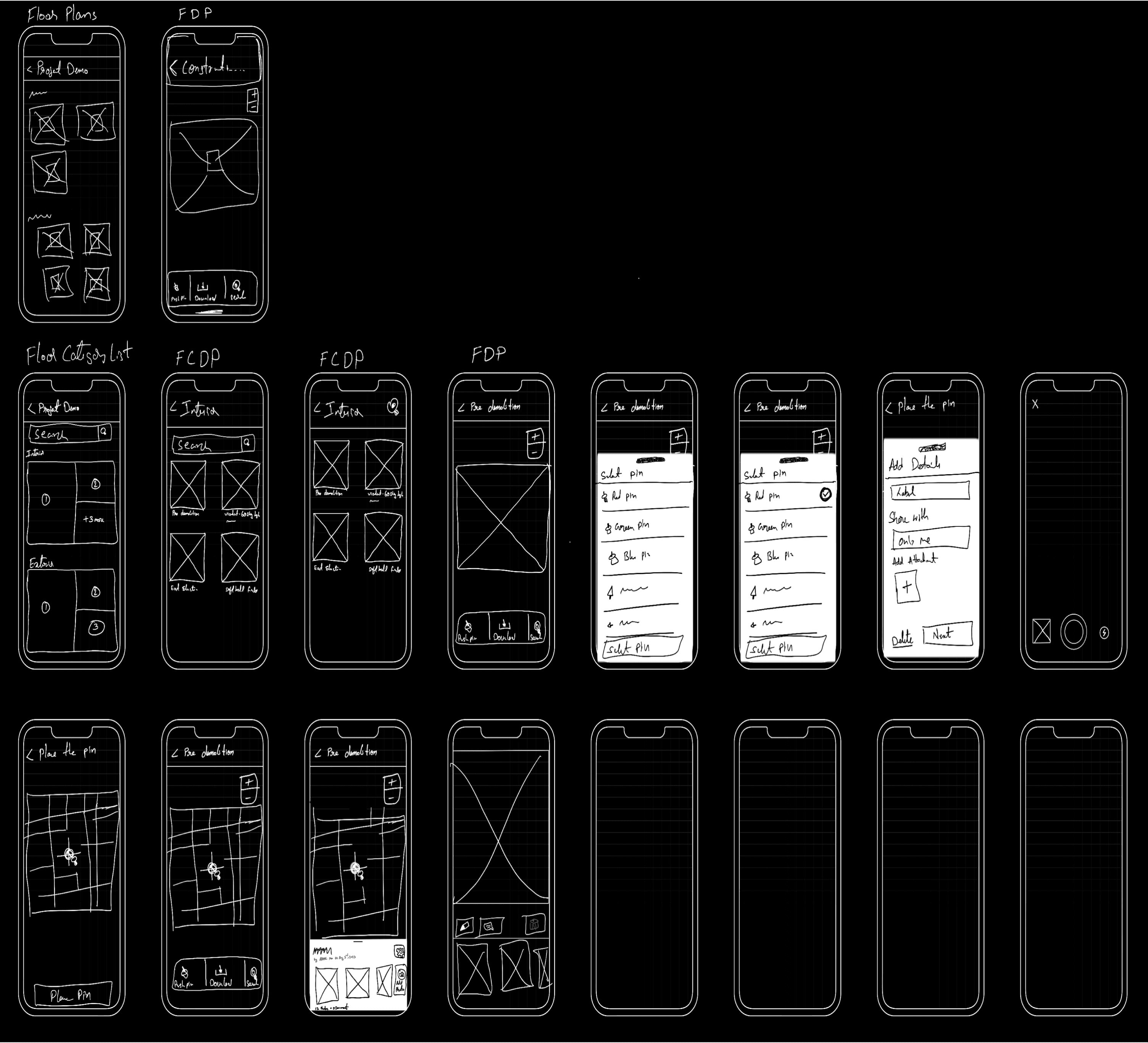
Once the capture workflow was defined, I moved into sketching low-fidelity wireframes to explore different ways the flow could come to life.
Capture Userflow
Key Takeaway
Early sketches focused on making complex capture workflows feel effortless — replacing uncertainty with visual clarity and instant feedback.
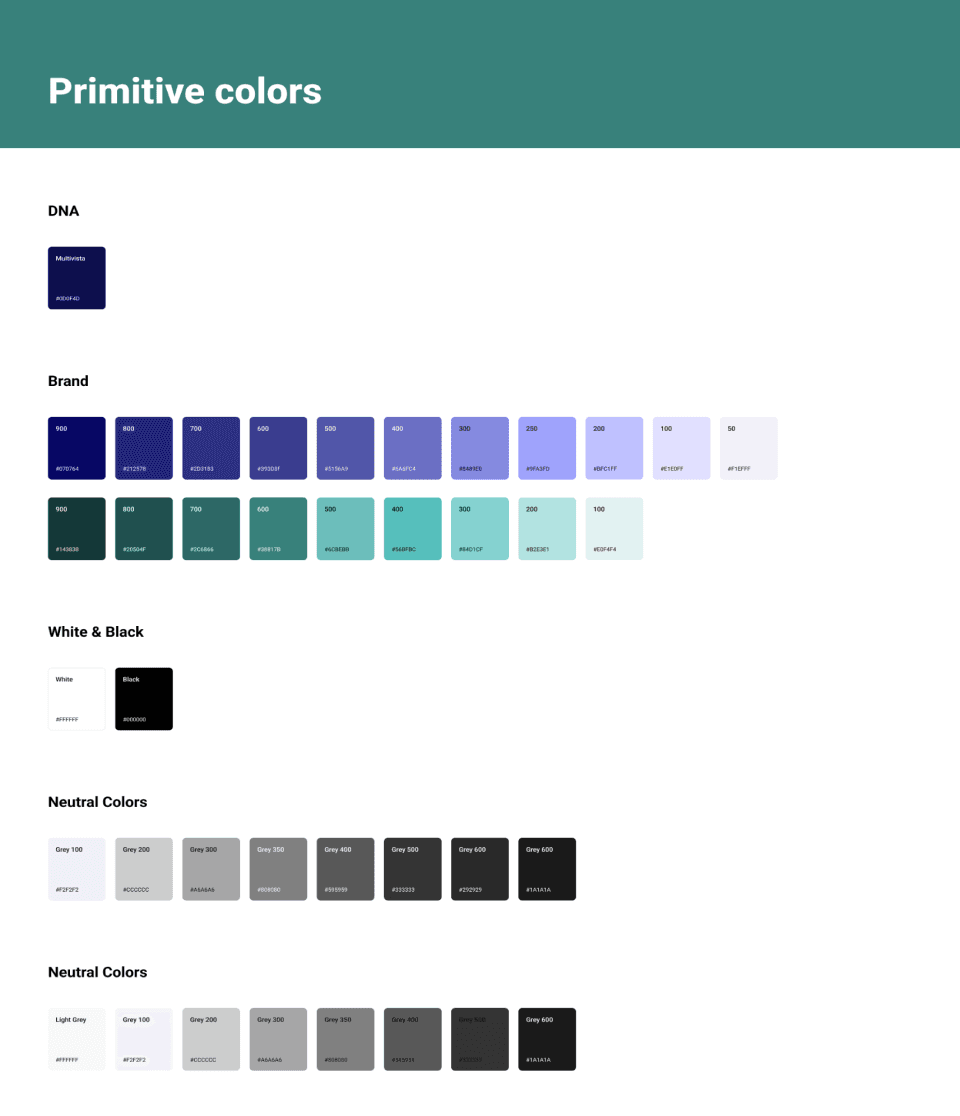
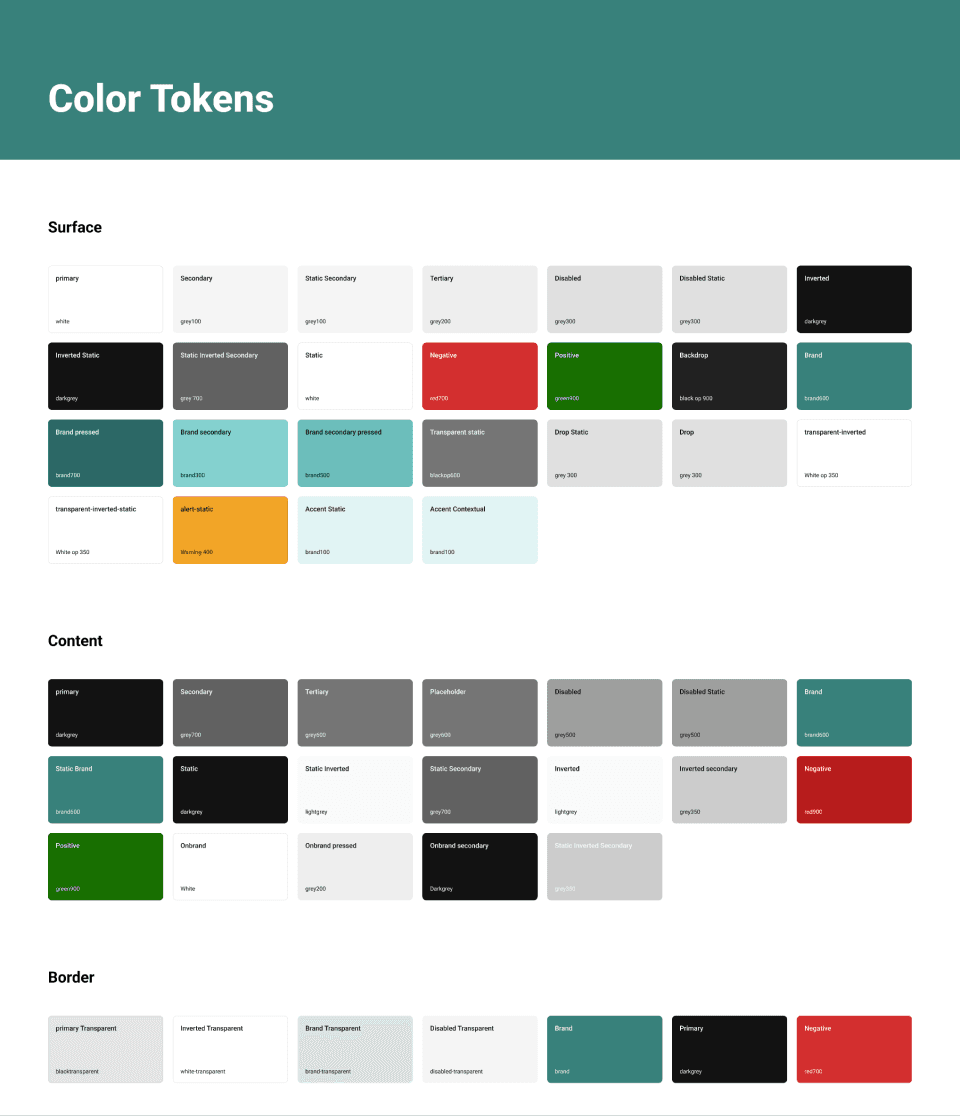
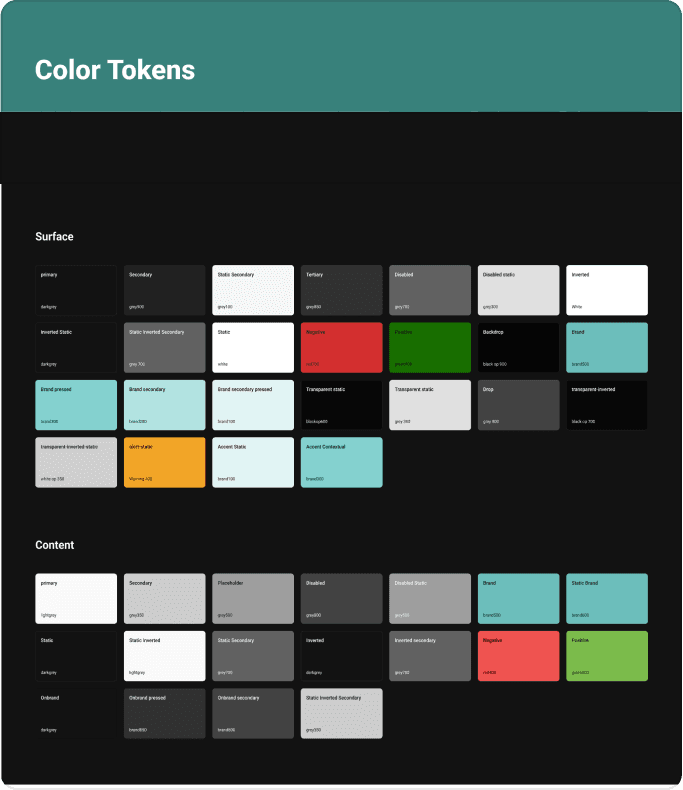
After the early sketches, my next step was to move into high-fidelity design. However, Multivista did not yet have a scalable design system in place. Following its acquisition by Hexagon, the team was encouraged to align with Hexagon’s broader design ecosystem.
Hexagon’s Geosystems division used an internal design language called Pangaea, but it had no coded components. Meanwhile, a new, unified system — Nova — was being developed to standardize UI across all Hexagon products, though it wouldn’t be available until late 2025.
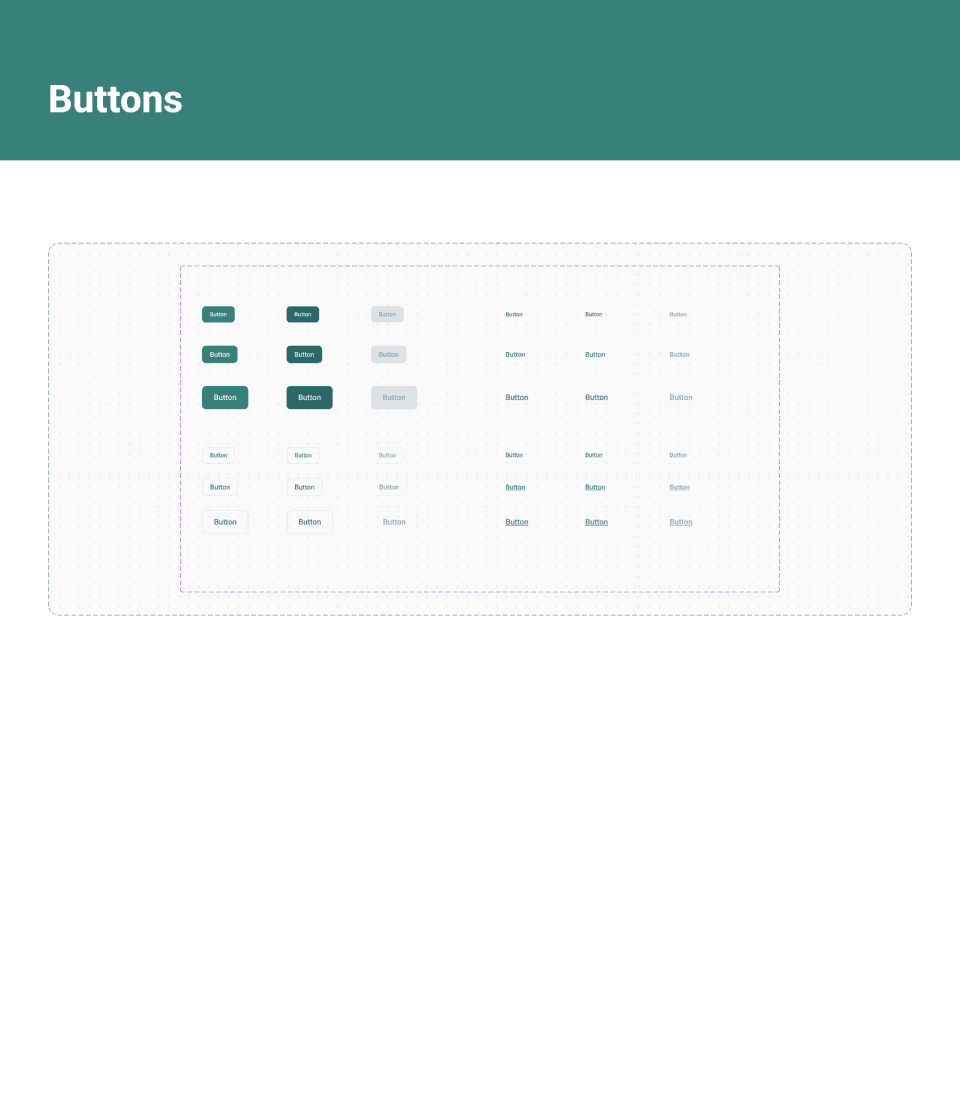
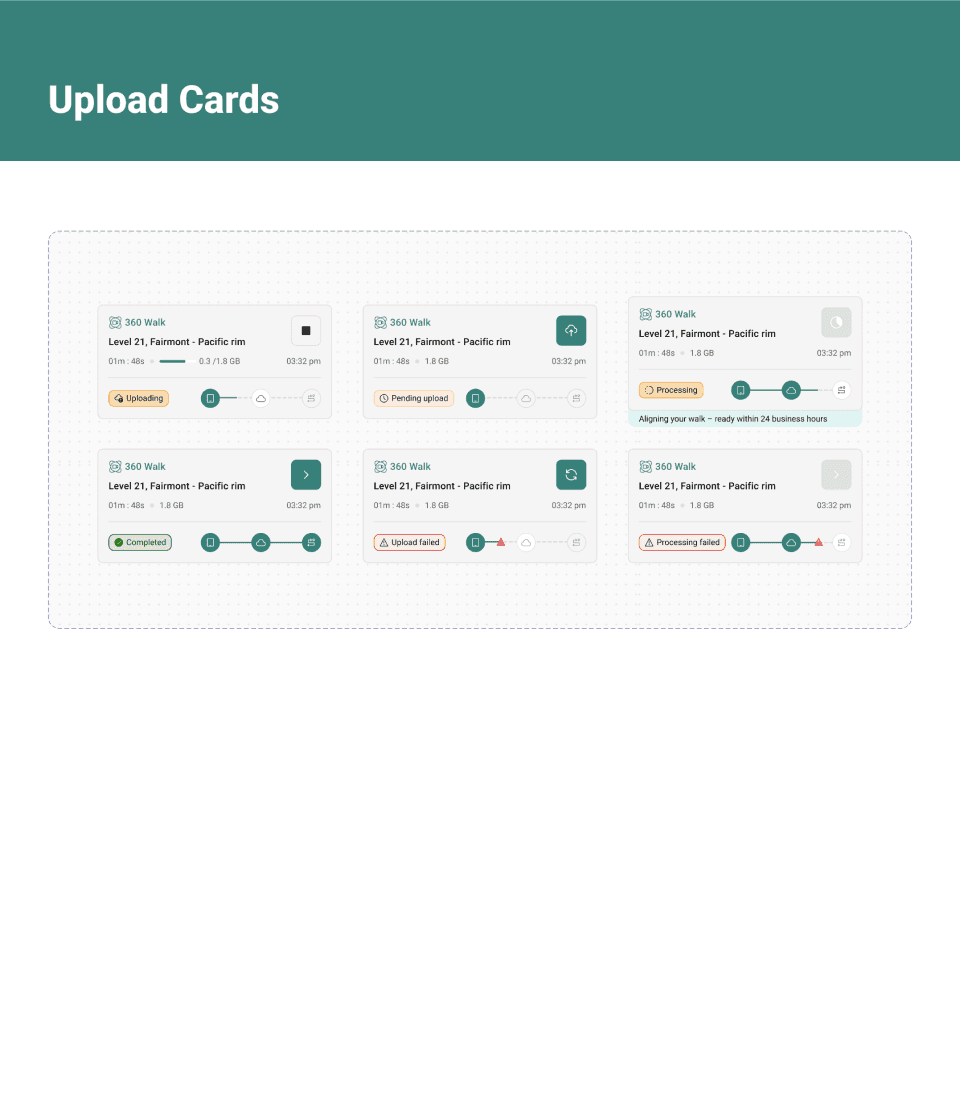
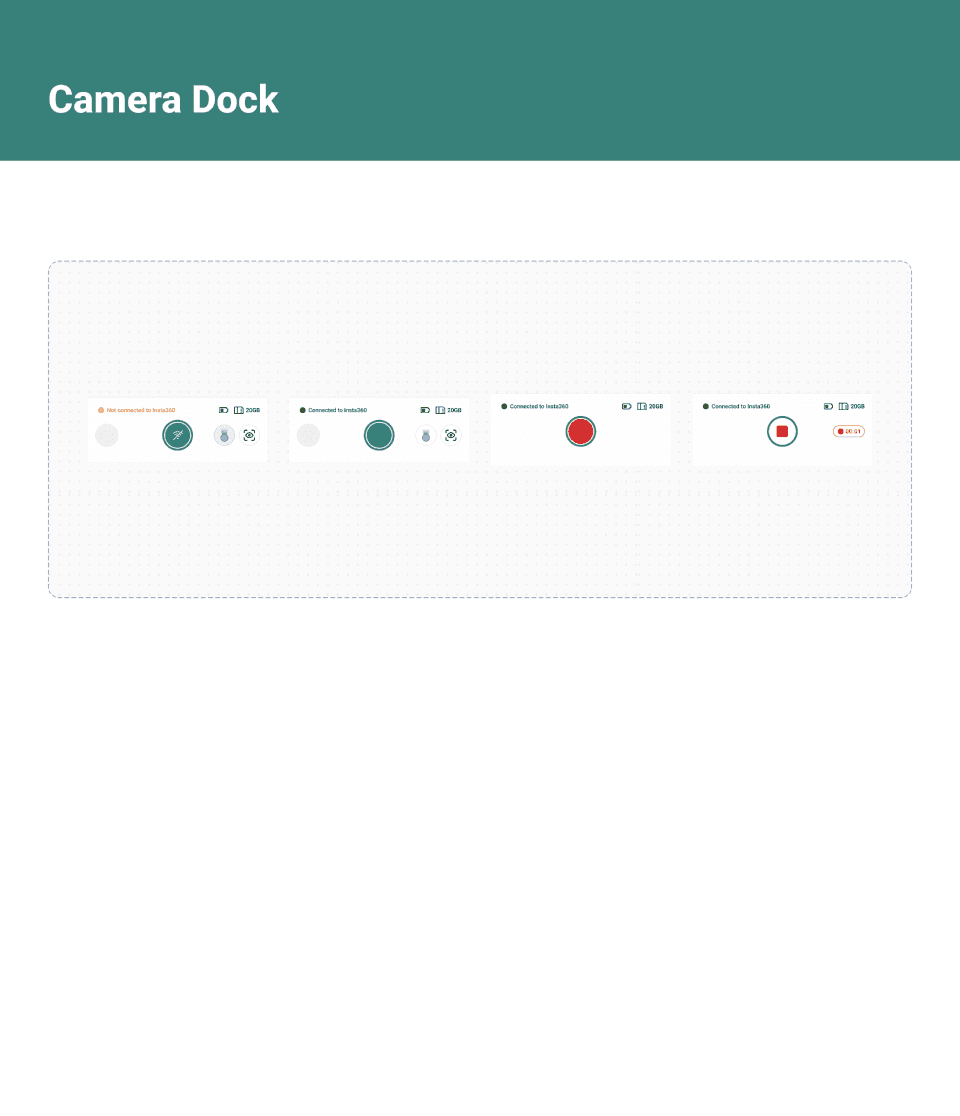
Design system Preview
Key Takeaway
I built a scalable, future-ready design foundation that balanced Multivista’s immediate product needs with Hexagon’s long-term vision for a unified design language.
core flows
The following flows represent the core interactions within GoCapture app making site documentation fast, intuitive, and reliable.
Users can quickly navigate from a project overview down to specific capture locations on a floorplan and review past imagery.
Designed for minimal setup, this flow simplifies pairing a 360 camera with in-app prompts and clear connection states.
Users can quickly set capture locations and orientations before shooting, ensuring every 360° photo aligns with the project’s floorplan for consistent visual records.
This flow enables contractors to record continuous 360° video walks mapped directly to the floorplan — making site walkthroughs simple and automated.
The upload manager gives users full visibility into pending and completed uploads, with progress indicators and retry options for failed syncs.
Impact
By simplifying 360° capture while maintaining Multivista’s precision standards, GoCapture app empowered contractors and franchisees to document confidently, independently, and at scale.
74% Reduction in Capture Time
Capture flows now complete 74% faster, helping teams document sites with fewer interruptions.
$75K+ Savings - Facchina Construction
“We didn’t need radar or rework thanks to the photos.” — Jon Cervasio, Project Manager
$1.7M Avoided Rework - Collegiate School NYC
“Without those photos, we would have had to cut into every wall… The system worked perfectly.” — Mark Gordon, Director of Facilities
Reflections
Design for clarity and speed in field conditions
Good design removes friction. In fast or unpredictable environments, clarity and responsiveness matter most helping people focus on the task, not the tool.
Think in systems
Design isn’t just about great features. It’s about how they connect to the system and align with how people naturally think and work.